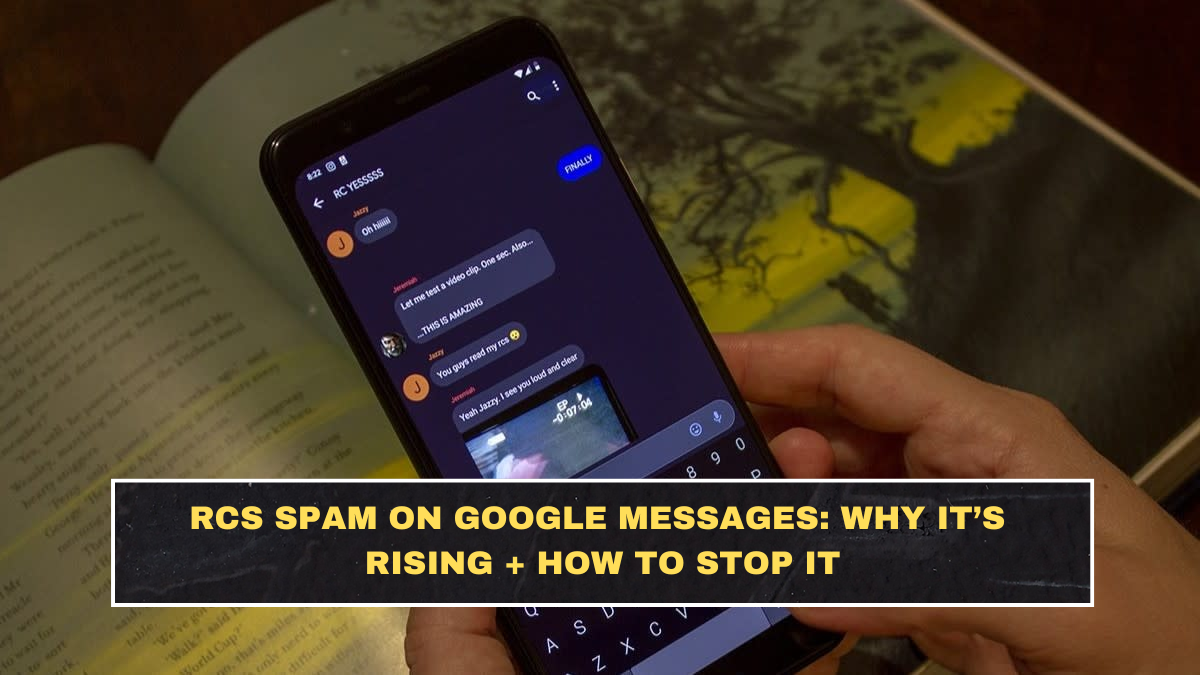
Many Android users have recently reported an increase in spam messages appearing through RCS (Rich Communication Services) messaging. RCS is designed as a modern upgrade to traditional SMS, offering features such as read receipts, typing indicators, and media sharing.
On many Android devices, RCS messaging is enabled by default through the messaging app Google Messages. While the system improves communication features, it has also created opportunities for spam senders to target users through promotional or fraudulent messages.
What RCS Messaging Actually Is
RCS messaging works over internet data instead of the traditional cellular SMS network. This allows advanced features similar to instant messaging apps.
| Feature | Description |
|---|---|
| Read receipts | Shows when messages are read |
| Typing indicators | Shows when someone is typing |
| Media sharing | Send photos, videos, and files |
| Internet-based messaging | Works through mobile data or Wi-Fi |
Because of these capabilities, RCS is sometimes referred to as the next generation of SMS messaging.
Why RCS Spam Is Increasing
Several factors have contributed to the rise in spam messages on RCS-enabled devices.
Growing adoption of RCS
As more Android devices activate RCS messaging, the number of reachable users increases.
Automated messaging tools
Some marketers and scammers use automated systems to send bulk messages.
Weak sender verification
Not all RCS senders are verified businesses, which allows unknown senders to deliver unsolicited messages.
Phishing attempts
Cybercriminals sometimes send links that try to steal personal information or install malicious apps.
Common Types of RCS Spam
| Spam Type | What It Looks Like |
|---|---|
| Promotional offers | Fake discounts or giveaways |
| Phishing links | Messages asking users to click suspicious links |
| Fake delivery alerts | Claims about parcel delivery problems |
| Financial scams | Messages requesting bank or OTP details |
These messages often appear convincing because RCS allows rich media and formatted content.
How to Enable Spam Protection in Google Messages
Android users can enable built-in spam protection features within Google Messages.
Steps to activate protection typically include:
-
Open the Google Messages app.
-
Tap the settings menu.
-
Select Spam protection.
-
Enable spam filtering and reporting features.
Once activated, suspicious messages may automatically be flagged or moved to the spam folder.
How to Block and Report Spam Messages
If you receive a suspicious message, you can take action directly from the messaging app.
| Action | Result |
|---|---|
| Block sender | Prevent future messages from the number |
| Report spam | Helps improve spam detection |
| Delete message | Removes the message from your inbox |
| Avoid clicking links | Prevents phishing attempts |
Reporting spam helps improve detection systems for other users.
Should You Disable RCS Messaging?
Some users prefer to disable RCS messaging entirely to reduce spam exposure.
| Option | Effect |
|---|---|
| Disable RCS | Messages revert to traditional SMS |
| Keep RCS with spam filter | Retain features with protection |
| Block unknown senders | Reduces spam messages |
Disabling RCS is optional but may reduce unwanted messages for some users.
Cybersecurity Tips for Messaging Apps
Messaging platforms are frequently targeted by scammers because users often trust messages received on their phones.
Basic safety practices include:
-
Avoid clicking unknown links in messages
-
Never share OTP or banking details through messaging apps
-
Verify messages claiming to be from banks or companies
-
Enable built-in spam protection tools
Following these precautions helps protect against phishing and fraud attempts.
Conclusion
RCS messaging offers advanced communication features, but its growing adoption has also created opportunities for spam and phishing attempts. Android users can reduce these risks by enabling spam protection, blocking suspicious senders, and avoiding unknown links.
Using built-in security tools in apps like Google Messages helps filter suspicious content and improve overall messaging safety.
FAQs
What is RCS messaging?
RCS (Rich Communication Services) is an internet-based messaging protocol that adds advanced features like read receipts and media sharing to SMS messaging.
Why am I receiving spam messages through RCS?
As RCS adoption increases, marketers and scammers may use automated messaging tools to send bulk promotional or phishing messages.
How can I stop RCS spam on Android?
You can enable spam protection in the Google Messages settings and block or report suspicious senders.
Is it safe to click links in RCS messages?
Users should only click links from trusted contacts or verified businesses to avoid phishing scams.
Can I disable RCS messaging?
Yes. RCS can be turned off in the Google Messages settings, which will revert messaging back to traditional SMS.