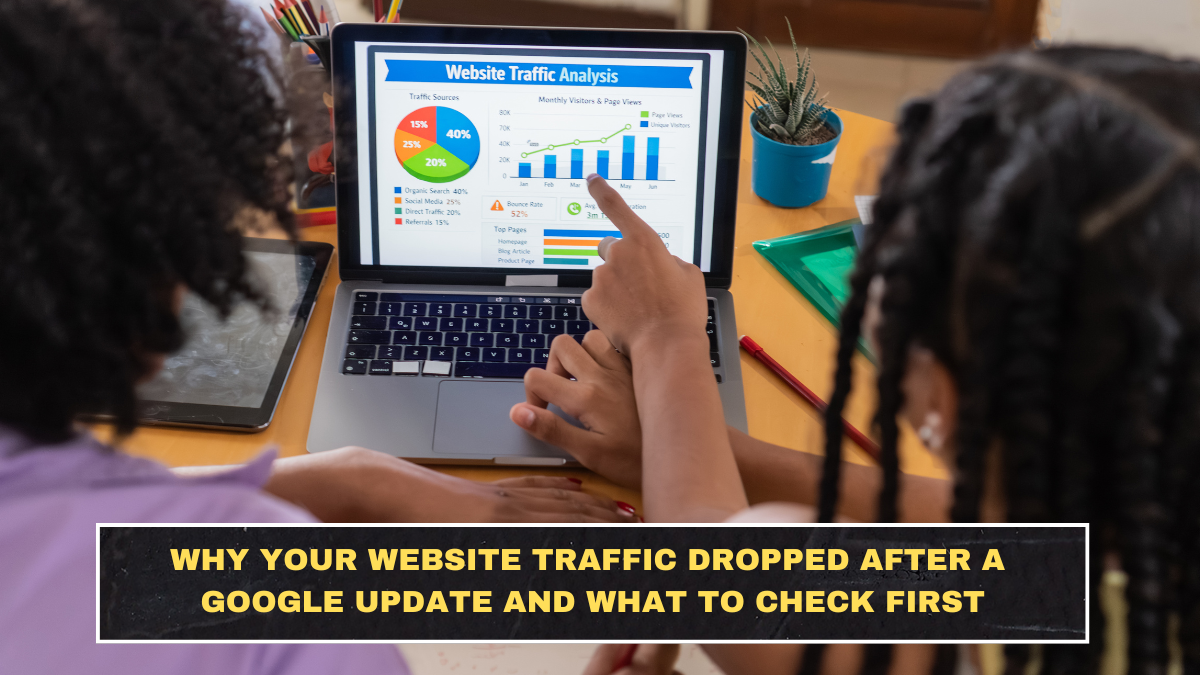
A traffic drop after a Google update feels personal, but usually it is not. Google’s own guidance says broad core updates are about improving how results are ranked overall, and some sites will naturally go down while others go up. That does not automatically mean your site was penalized, deindexed, or permanently damaged.
What matters first is not panic. What matters is whether the drop lines up with a confirmed ranking update, whether it affected your whole site or only certain pages, and whether demand itself changed. Google recommends checking Search Console carefully and waiting until a core update has fully finished rolling out before doing deep analysis.
What usually causes a traffic drop after a Google update
The biggest mistake site owners make is assuming every drop is a penalty. In reality, Google says a search traffic decline can come from several different causes, including a confirmed ranking update, technical problems, seasonality, changes in user interest, or page-level ranking loss. Even when a core update is involved, the issue is often that other pages now look more relevant, more satisfying, or more useful than yours for the same query set.
Another blind spot is this: your site may not have changed, but the search results around you did. Competitors may have improved, intent may have shifted, or Google may now prefer fresher, clearer, or more trustworthy pages for that topic. That is why “but I did not change anything” is not a real defense. Search rankings are relative, not sentimental.
What to check first before making random fixes
Your first stop should be the Google Search Status Dashboard. Google now lists relevant ranking updates there, so you can verify whether your traffic loss lines up with an official update instead of guessing from SEO gossip on X or LinkedIn. After that, open Search Console and compare the right dates. Google specifically recommends waiting at least a full week after a core update finishes, then comparing that period with the week before the update started rolling out.
Then review which pages and queries actually fell. Do not stare only at sitewide clicks. Use the Performance report to compare time periods and inspect clicks, impressions, and average position by page and query. Also check whether there is any Manual Action in Search Console, because a real manual action is reported there. If there is none, the drop is more likely algorithmic, competitive, technical, or demand-related rather than a direct human penalty.
A simple recovery triage table
| Check first | What it tells you | Why it matters |
|---|---|---|
| Search Status Dashboard | Whether a confirmed ranking update happened | Stops you from guessing blindly |
| Search Console date comparison | When the decline started | Helps connect the drop to an event or change |
| Top losing pages | Whether damage is sitewide or page-specific | Tells you where to focus first |
| Top losing queries | Whether intent or relevance shifted | Shows what demand or ranking changed |
| Manual Actions report | Whether Google applied a manual penalty | Separates penalties from algorithm updates |
| Google Trends | Whether overall demand fell | Prevents false alarms when search interest drops |
| Page Indexing / CWV checks | Whether technical issues also exist | Helps catch crawl, indexing, or UX problems |
This table looks basic, but most people skip it and jump straight into rewriting titles, deleting content, or buying links. That is sloppy. A proper diagnosis comes before a recovery plan. Google’s own documentation points to Search Console and Google Trends as the starting point for understanding whether the problem is site-specific or part of a wider demand shift.
What not to panic about
A ranking drop does not automatically mean your pages were removed from Google. It also does not prove that AI content, Core Web Vitals, backlinks, or one title tag suddenly destroyed your site. Those things can matter, but the lazy habit of blaming one factor fast is how site owners waste months. Google has repeatedly said that with broad core updates, there may not be one single thing to “fix,” and some sites simply need to improve content quality and overall usefulness rather than chase gimmicks.
Also, stop treating impressions and clicks as the same signal. Impressions can fall because rankings slipped slightly, because search demand weakened, or because Google is showing your pages for fewer queries. Clicks can fall even harder if your snippet became less compelling. Read the data carefully or you will solve the wrong problem.
What a smart next step actually looks like
Once you identify the losing pages, review them against the pages now outranking you. Be ruthless. Are they more current, more specific, easier to scan, better aligned to intent, stronger on first-hand experience, or simply more useful? Google’s people-first guidance focuses on helpful, reliable content made for users, not pages designed mainly to manipulate rankings. That is the standard you should measure against.
Do not roll out 50 random SEO changes in one night. Fix technical problems if they exist, then prioritize the pages and topics that lost the most valuable traffic. Clean diagnosis first, focused improvement second, patience third. Anything else is just panic disguised as SEO work.
Conclusion
If your website traffic dropped after a Google update, the hard truth is that panic will make you dumber. First verify whether a confirmed update happened. Then use Search Console to compare dates, isolate the losing pages and queries, check for manual actions, and rule out demand shifts with Google Trends. Only after that should you start improving content, relevance, and user satisfaction. That is slower than guessing, but it is how serious recovery actually works.
FAQs
Was my site definitely penalized if traffic dropped after a Google update?
No. Google says broad core updates can cause some sites to drop without any penalty being applied. A real manual penalty would normally appear in the Manual Actions report in Search Console.
How soon should I analyze a traffic drop after a core update?
Google recommends waiting until the core update has completed and then waiting at least a full week before doing comparison analysis in Search Console.
What should I check first in Search Console?
Start with the Performance report, compare the right date ranges, and review top losing pages and queries. Then check Manual Actions, indexing, and Core Web Vitals if needed.
Can traffic drop even if my pages are still indexed?
Yes. Indexed pages can still lose visibility if rankings fall, search demand changes, or your content no longer matches intent as well as competing pages.
Click here to know more