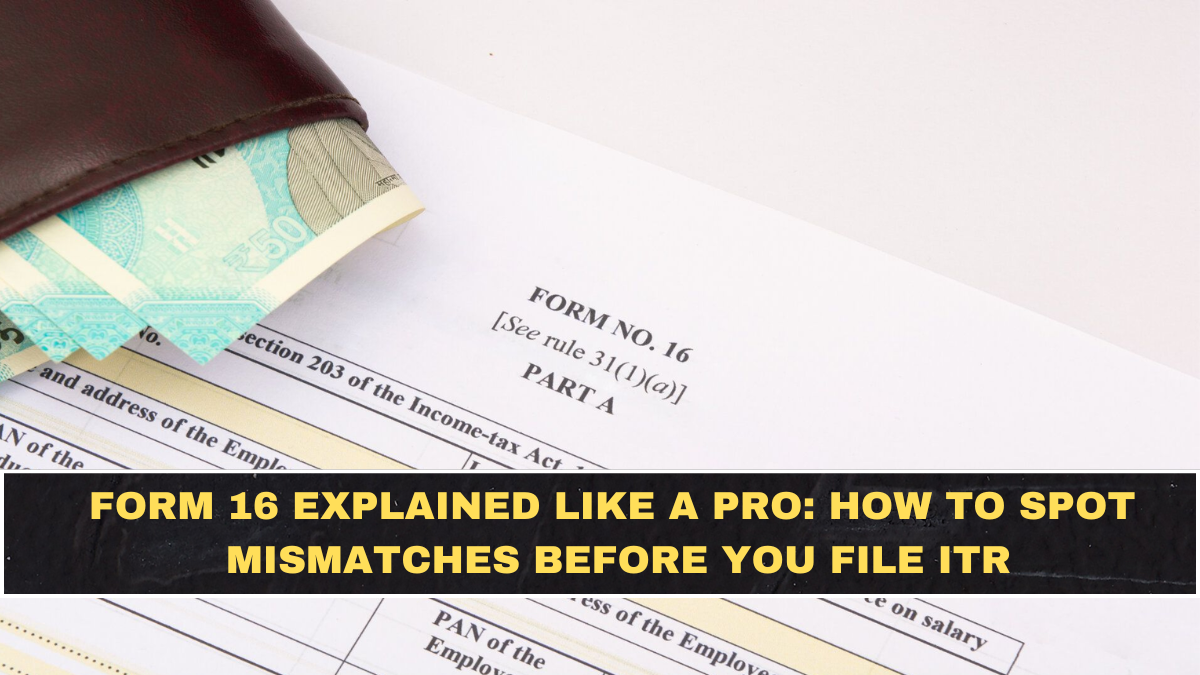
Most salaried taxpayers download Form 16, upload it to a tax portal, and file their return without checking the details. That habit causes wrong tax filings, delayed refunds, and tax notices. Form 16 is not just a certificate — it is a full summary of your salary income, deductions, and taxes deducted.
This Form 16 decoding guide explains every section clearly, shows where mismatches occur, and provides a verification checklist to prevent filing errors. If you want accurate ITR filing and faster refunds, you must understand what your Form 16 actually says.
This guide is designed for salaried employees filing income tax returns and verifying salary tax details.
What Form 16 Actually Is (And Why It Matters)
Form 16 is a tax certificate issued by your employer showing:
-
Salary paid to you
-
Tax deducted at source (TDS)
-
Deductions claimed
-
Taxable income calculation
It is proof that tax has been deducted and deposited with the government.
Why it matters:
-
Used while filing income tax return
-
Required for loan applications
-
Helps verify tax compliance
-
Prevents incorrect tax filing
-
Supports refund claims
Incorrect Form 16 data leads to incorrect ITR.
Who Should Check Form 16 Carefully
Must verify Form 16 if you are:
-
Salaried employee filing income tax return
-
Claiming deductions like HRA or 80C
-
Expecting tax refund
-
Changed jobs during the year
-
Receiving bonuses or additional income
Lower risk but still important:
-
Fixed salary employees with simple tax structure
Every taxpayer benefits from reviewing Form 16 before filing.
Structure of Form 16 — The Two Parts Explained
Form 16 has two main sections: Part A and Part B.
Part A — Tax Deduction Details
Part A contains TDS and employer details.
Includes:
-
Employer and employee PAN details
-
Tax deducted and deposited
-
Employment period
-
Quarterly TDS summary
-
Challan details
Purpose:
-
Confirms tax was deposited correctly
-
Matches tax records with government database
If Part A contains errors, tax credit may not reflect in your account.
Part B — Salary and Tax Calculation
Part B explains how your taxable income was calculated.
Includes:
-
Salary breakup
-
Allowances
-
Exemptions like HRA
-
Standard deduction
-
Other deductions (80C, 80D, etc.)
-
Net taxable income
-
Final tax liability
This is the most important section for tax planning and verification.
How to Read Salary Components in Form 16
Your salary is divided into multiple components. Understanding them prevents filing mistakes.
Typical Salary Components
-
Basic salary
-
House Rent Allowance (HRA)
-
Special allowance
-
Bonus or incentives
-
Perquisites
-
Employer contributions
Check whether these match your salary slips.
Mismatch between salary slip and Form 16 is a common issue.
Understanding Exemptions in Form 16
Exemptions reduce taxable income.
Common exemptions include:
-
HRA exemption
-
Leave Travel Allowance
-
Standard deduction
-
Other allowances
Verify:
-
Exemption amounts match submitted proofs
-
Employer has applied correct calculation
Incorrect exemption values increase tax unnecessarily.
Deductions Section — Where Tax Savings Appear
This section shows deductions claimed by you.
Common deductions listed:
-
Section 80C investments
-
Health insurance deduction
-
NPS contribution
-
Other eligible deductions
Always confirm:
-
Investment amount matches proof submitted
-
No deduction is missing
-
Total deduction calculation is correct
Missing deductions increase tax liability.
The 10 Most Common Form 16 Mismatches
These mistakes cause incorrect tax filing and notices.
Check for:
-
Wrong PAN number
-
Incorrect salary amount
-
Missing bonus income
-
Incorrect HRA exemption
-
Missing deductions
-
TDS mismatch
-
Incorrect employment period
-
Wrong employer details
-
Duplicate income entries
-
Incorrect tax calculation
Even small mismatches affect refund processing.
Form 16 vs Salary Slip — What Should Match
Always compare Form 16 with salary slips.
Verify these fields:
| Check Item | What to Compare |
|---|---|
| Total salary | Annual salary in payslips |
| Allowances | HRA, bonus, allowances |
| Tax deducted | Monthly TDS totals |
| Deductions | Investments declared |
If numbers don’t match, contact employer before filing ITR.
Form 16 vs AIS and Form 26AS — Critical Cross Check
Tax authorities track income separately. Your Form 16 must align with government records.
Verify consistency with:
-
Annual Information Statement (AIS)
-
Form 26AS tax credit statement
Mismatch may lead to tax notice or refund delay.
What to Do If You Find Errors in Form 16
Never file ITR with incorrect Form 16.
Fix errors using this process:
-
Inform employer payroll team
-
Request corrected Form 16
-
Verify revised tax details
-
File return only after correction
Correcting early prevents future complications.
Form 16 Checklist Before Filing ITR
Use this verification list.
-
PAN details correct
-
Salary matches payslips
-
Deductions correctly recorded
-
HRA calculated properly
-
TDS matches tax records
-
Employment period accurate
-
No duplicate entries
-
Tax payable calculation correct
This 10-minute check prevents most filing mistakes.
Why Form 16 Errors Cause Refund Delays
Income tax processing relies on accurate tax credit matching. If Form 16 data differs from tax records:
-
Refund processing slows
-
Return flagged for verification
-
Additional documentation required
-
Tax notices may be issued
Accuracy ensures faster processing.
Common Filing Mistakes Related to Form 16
Avoid these:
-
Filing return without checking Part B
-
Ignoring deduction mismatch
-
Uploading Form 16 blindly
-
Not reconciling AIS or tax statement
-
Filing before employer correction
Automation tools help — but verification is still required.
Conclusion
Form 16 is the foundation of salary tax filing. Understanding its structure, verifying salary details, and checking deductions ensures accurate income tax returns and faster refunds.
Most tax problems arise from unverified data, not complex tax rules. A simple verification routine — comparing salary, deductions, and tax records — protects you from notices, delays, and excess tax payments.
Always treat Form 16 as a document to review, not just upload.
FAQs
Is Form 16 mandatory for filing income tax return?
No, but it simplifies salary income reporting and tax verification for salaried employees.
What is the difference between Part A and Part B of Form 16?
Part A shows tax deduction details, while Part B shows salary breakup and tax calculation.
What should I do if Form 16 has incorrect details?
Request correction from your employer before filing income tax return.
Can I file ITR without Form 16?
Yes, using salary slips and tax records, but Form 16 makes filing easier and safer.
Why should I compare Form 16 with salary slips?
To ensure salary income, deductions, and tax deducted are reported correctly.